17 Dollar Store Home Office Finds Worth Grabbing
I set up my entire home office for under sixty dollars, and almost everything came from the dollar store. These dollar store Home Office finds are the seventeen pieces that survived a full month of real workdays in my flat — the good ones I kept, the flimsy ones I skipped, and the exact prices I paid. If your desk is currently a laptop on a dining table, this list will take you the rest of the way.
1. Bamboo Desk Organizer Tray
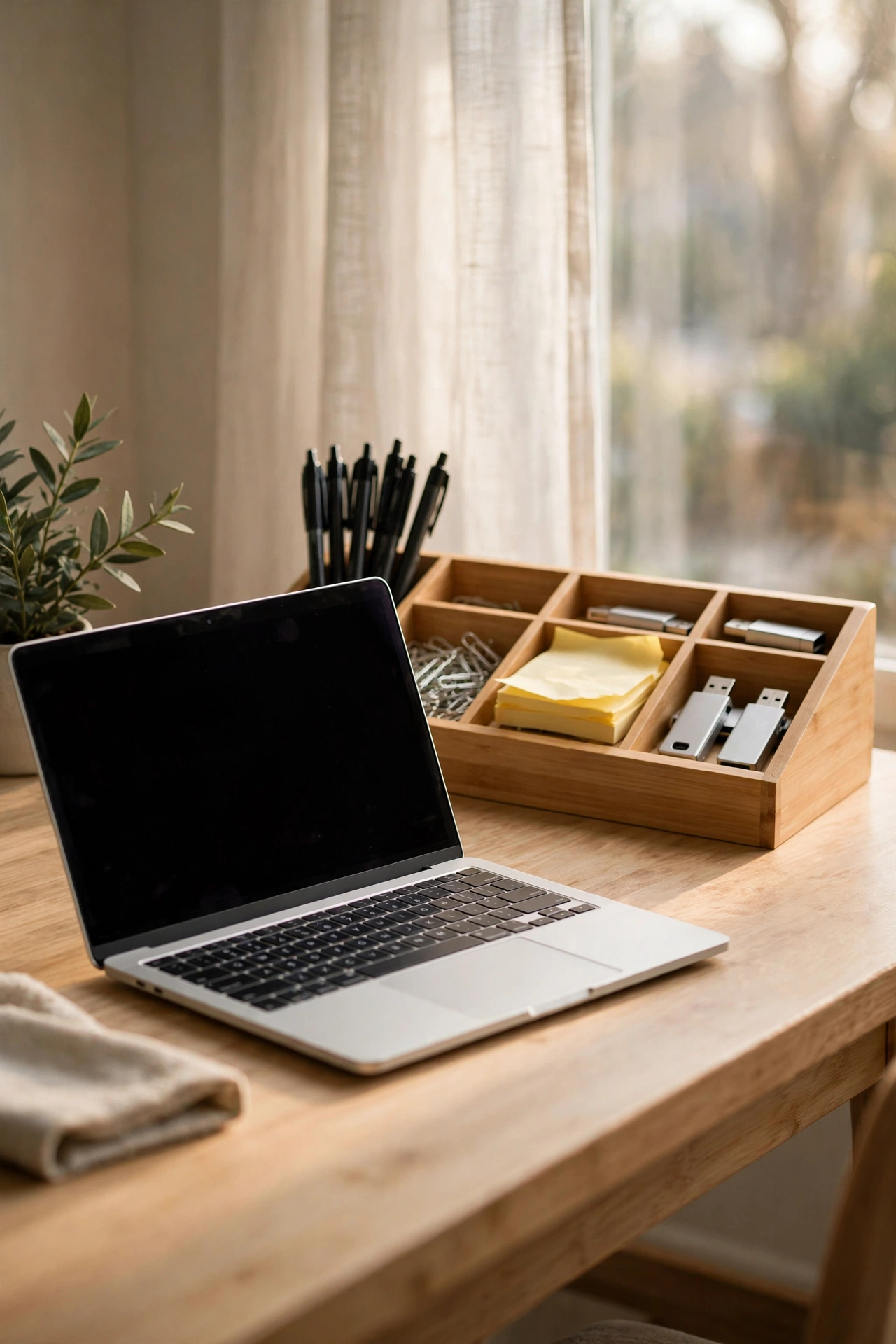
My pens, paperclips, and the random USB sticks used to wander all over my desk. A shallow bamboo organizer tray corrals them into one tidy rectangle at the back of the desk. Here is how I set it up: first, dump everything loose into the tray to see what you actually own; second, group it by job — writing tools on the left, tech bits on the right; third, place the tray behind your keyboard so it never fights you for mouse space. I tried skipping the tray and just “keeping things tidy” by hand, which lasted exactly two days. One mistake to avoid: letting it fill past the rim turns it into a junk drawer with better edges, so skim it out every Friday.
Cost: ~$5 · Time: 15 minutes
2. Ceramic Pen Cup Set
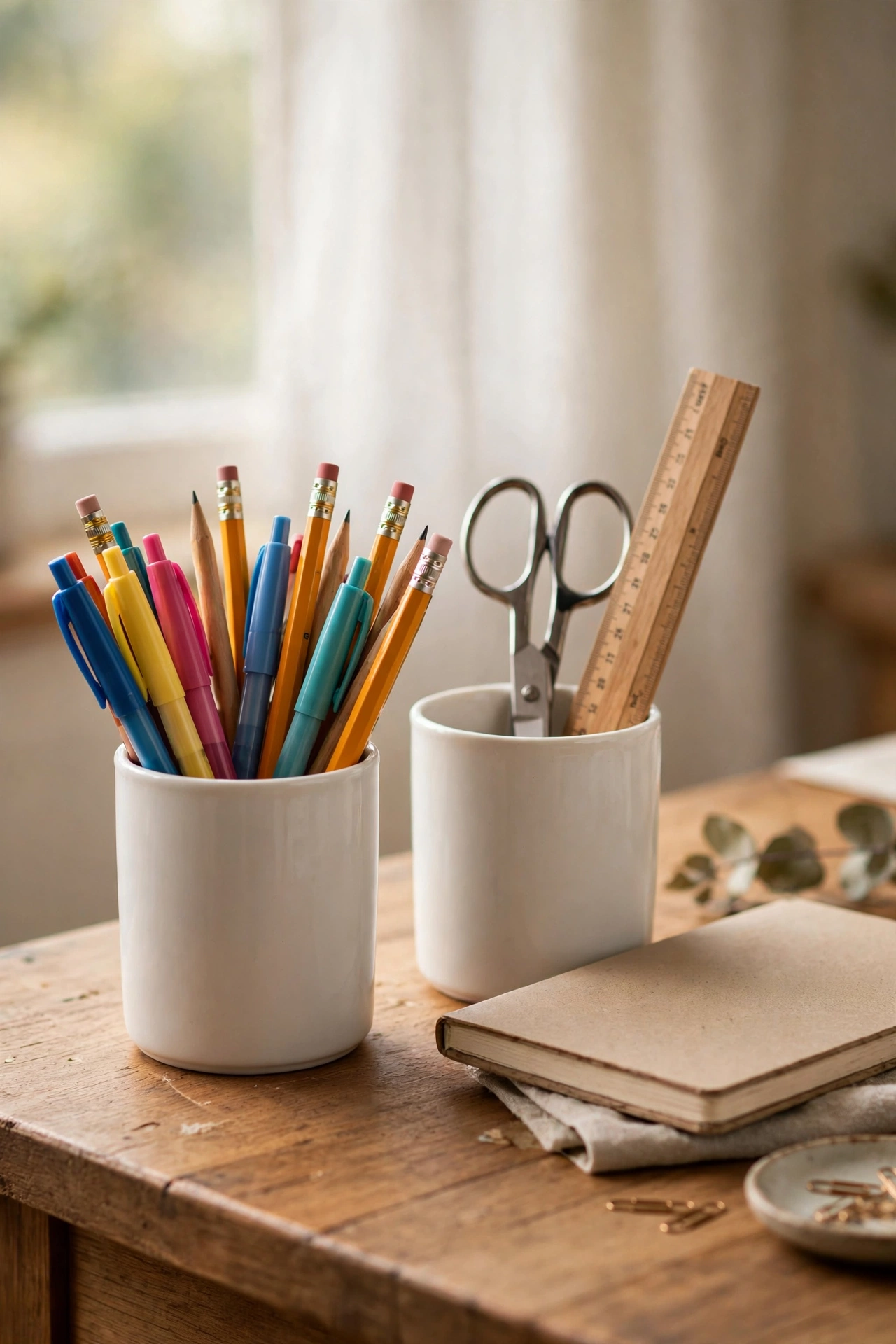
A pair of small ceramic cups holds more than pens — mine carry scissors, a ruler, and the highlighter I always lose. Ceramic matters because the weight stops them tipping when you yank out a chunky marker, which my old plastic cup could not survive. Set them up like this: keep one cup for writing tools and one for everything else; place them on your non-dominant side so your elbow never knocks them over; wash them out once a month because pen dust is a real thing. I tried this in my own setup after weeks of pens rolling under my keyboard mid-call, and the cup pair fixed it in an afternoon. One mistake to avoid: buying them in clashing patterns. Matching ceramics look deliberate; random ones look like a mug graveyard.
Cost: ~$3 for two · Time: 5 minutes
3. Cable Management Box for the Power Strip
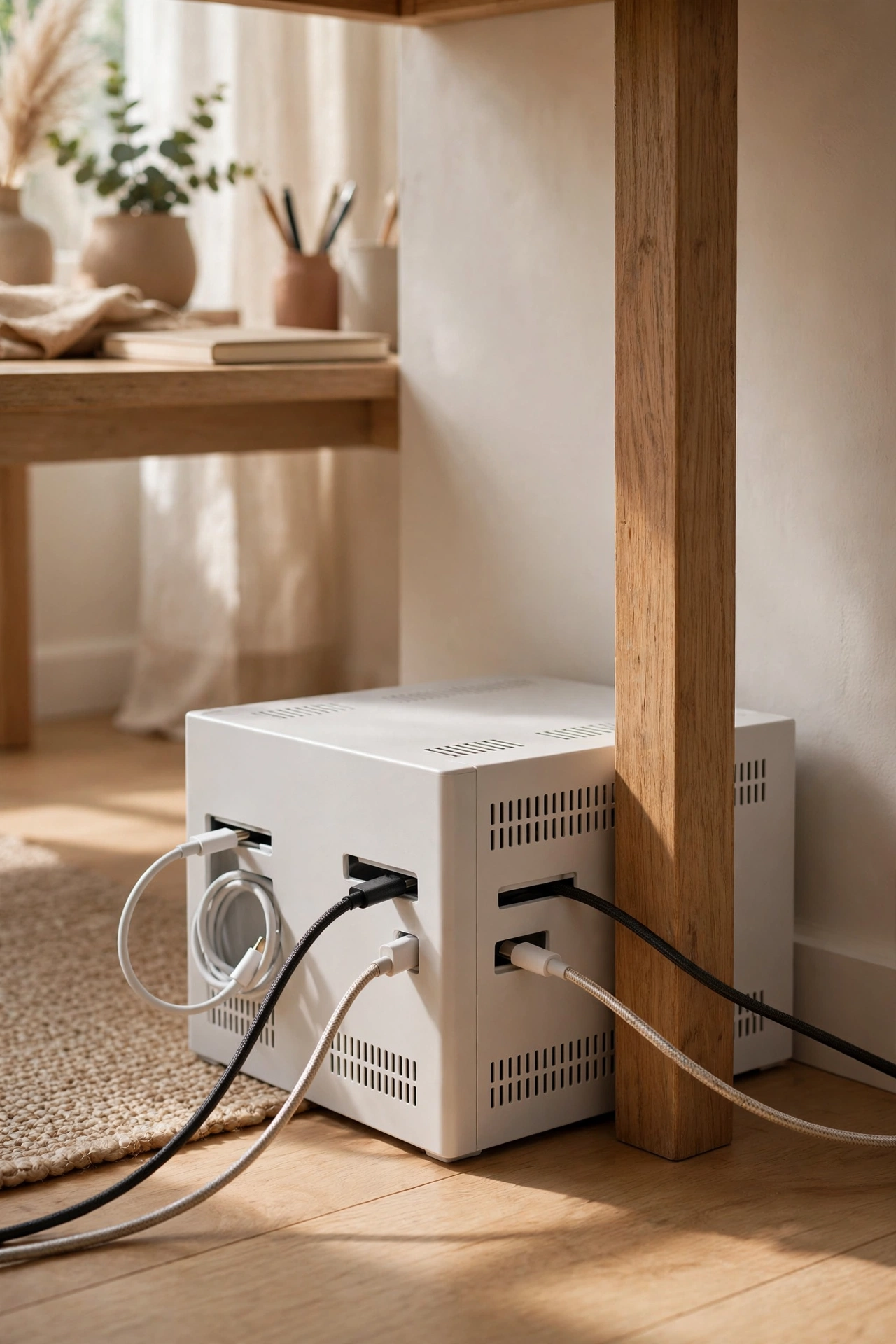
That tangle of chargers behind your monitor is half the reason your desk looks chaotic. A ventilated cable box hides the whole power strip — you coil the slack inside and feed the ends out through the side slots. Mine sits on the floor behind the desk leg. The steps are simple: unplug everything and dust first, because you will be shocked at what is back there; lay the strip inside the box and route the cords through the slots; label each charger plug with a bit of tape so you never unplug the wrong one. I tried shoving the strip behind the desk without a box and the cables crept back out within a week. One mistake to avoid: blocking the ventilation holes. Warm adapters need airflow, so do not pack it airtight.
Cost: ~$5 · Time: 20 minutes
4. Framed Cork Bulletin Board
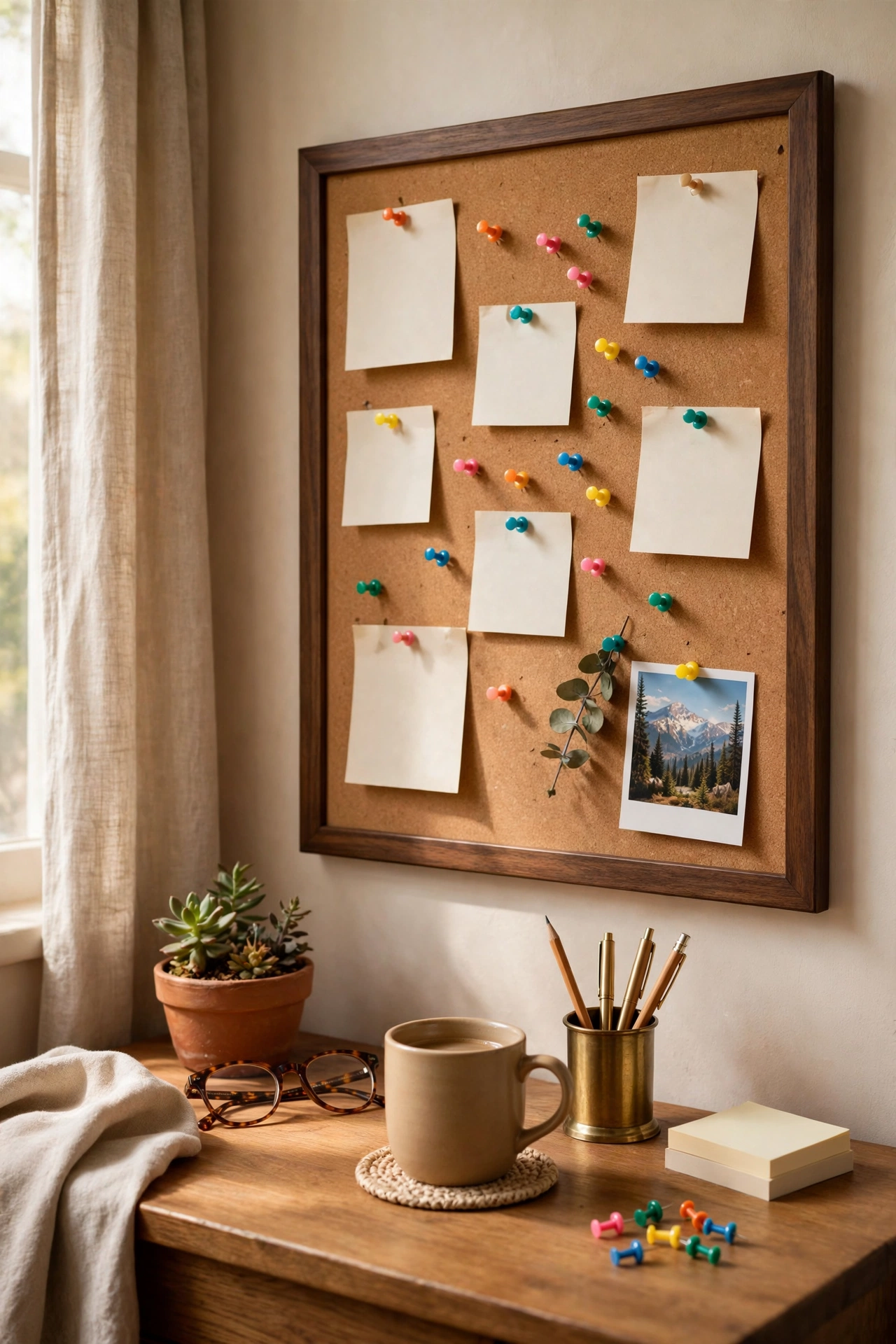
A cork board on the wall next to my desk is my analogue to-do list — reminders, a receipt I must file, a photo that makes me smile. The frame is what makes it look grown-up instead of dorm-room. Hang it at eye level beside your monitor, not behind it, so you actually see it. My routine: pin the week’s three big tasks across the top row; use the bottom half for reference bits like the Wi-Fi password and the plumber’s number; swap stale pins every Sunday night or it becomes wallpaper. I tried a whiteboard first, but I kept forgetting to wipe it and it turned grey. One mistake to avoid: pinning more than fits. Crowded boards get ignored, so leave breathing room between pins.
Cost: ~$5 · Time: 25 minutes
5. Adjustable LED Desk Lamp
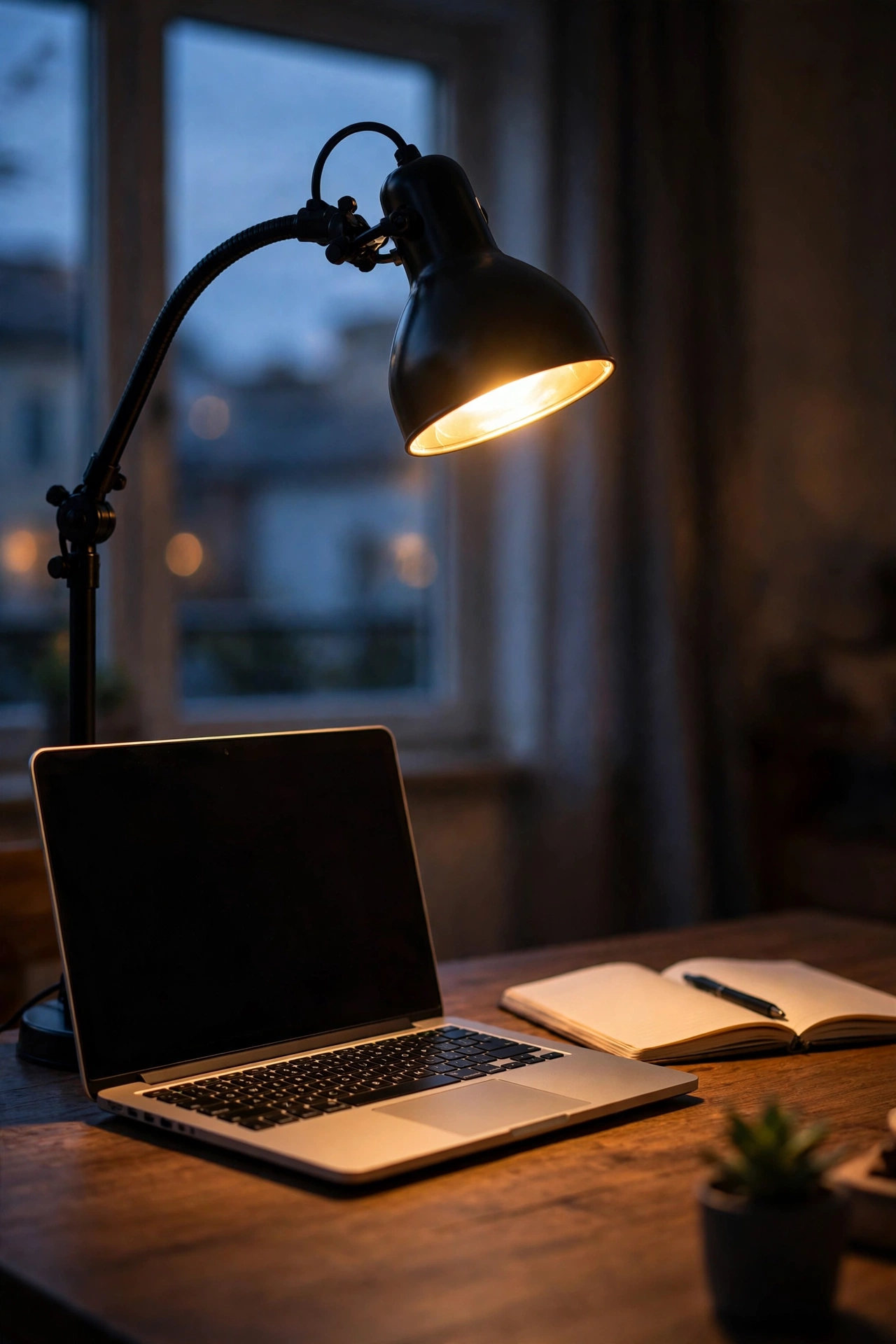
Good lighting is the single biggest improvement a cheap lamp can give a home office, especially if you work into the evening. The dollar-store LED lamp has a bendy neck and two or three brightness settings — mine lives at its lowest warm setting after six o’clock. Position it on the side opposite your writing hand to kill shadows on the page; angle the head down at about forty-five degrees so it never shines in your eyes; and plug it into the cable box from idea three so the cord vanishes too. I tried relying on my ceiling light for a month and ended up squinting at spreadsheets like a pirate. One mistake to avoid: the coldest white setting after dark. It will keep you wired long after you log off.
Cost: ~$8 · Time: 10 minutes
6. Stackable Letter Trays
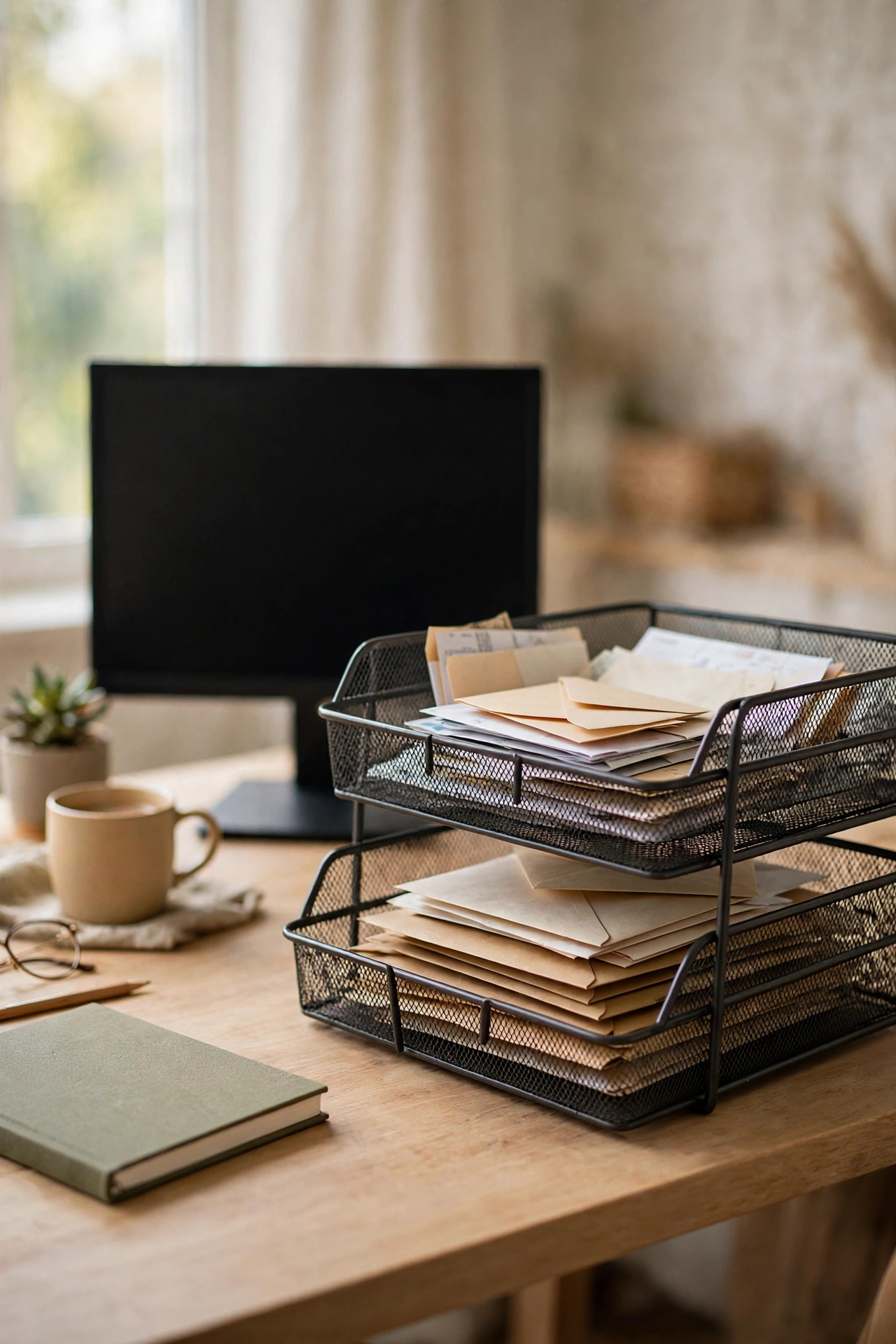
Mail and printouts need a landing zone or they colonise the desk surface. Two stackable trays on the back corner create a proper inbox and outbox in about ten seconds. I use the top tray for “action this week” and the bottom for “file later,” and the physical split genuinely stops me re-reading the same bill three times. Set them at the far corner of the desk so they never intrude on your working space; sort the pile in one go when you set them up; and clear the outbox into folders every Friday. I tried a single tray first and “action” and “archive” merged into one hopeless pile within days. One mistake to avoid: stacking three high. Two trays is a system; three is a tower of guilt.
Cost: ~$4 for two · Time: 10 minutes
7. Magnetic Mini Whiteboard
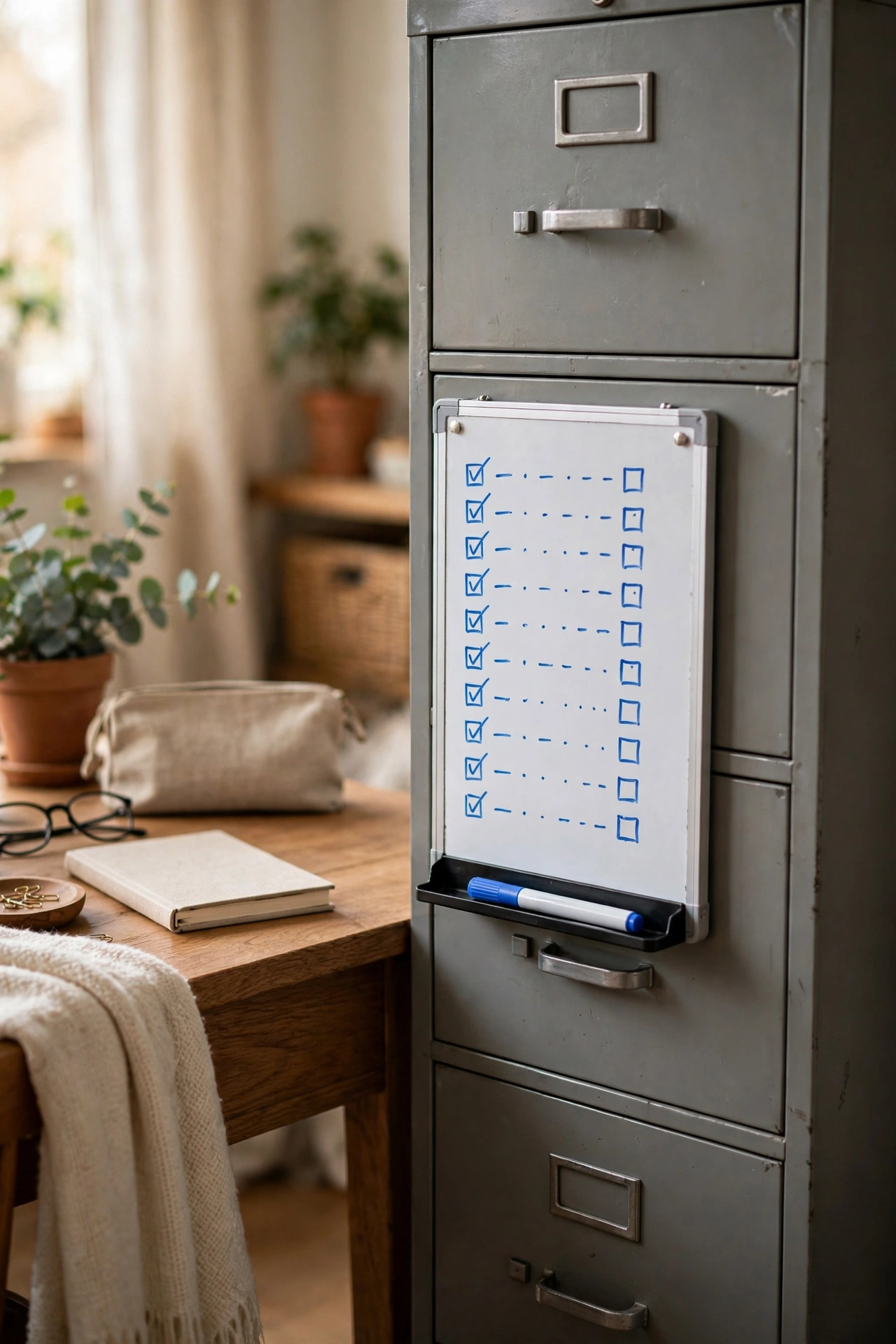
This little board sticks straight onto my metal filing cabinet with no drilling, and it is where each day’s plan lives. I write the top three tasks every morning in a fat marker, wipe them off as they are done, and the visible progress keeps me honest. Mount it where your eyes naturally land when you sit down — mine is at eye height to the left of my monitor. Use one colour for work tasks and another for life admin so they stop bleeding into each other. I tried a phone reminder list and snoozed it into oblivion; the board is harder to ignore. One mistake to avoid: cheap dry-erase markers that ghost. Wipe with a damp cloth weekly and the board stays clean for months.
Cost: ~$4 · Time: 5 minutes
8. Faux Potted Desk Plant

A small fake plant is the lowest-maintenance way to make a desk feel alive, and the dollar-store versions have got surprisingly convincing. Mine is a little eucalyptus sprig in a white pot on the back corner. The trick is scale: keep it under fifteen centimetres tall so it reads as a desk accent, not a floor plant lost at sea. Dust it with a dry cloth every couple of weeks — dust is the giveaway that it is faux. I tried a real succulent first and managed to kill it through a combination of neglect and overwatering in the same month. One mistake to avoid: placing it directly in front of your monitor. It will block the webcam angle on every video call.
Cost: ~$3 · Time: 5 minutes
9. Bamboo Laptop Riser
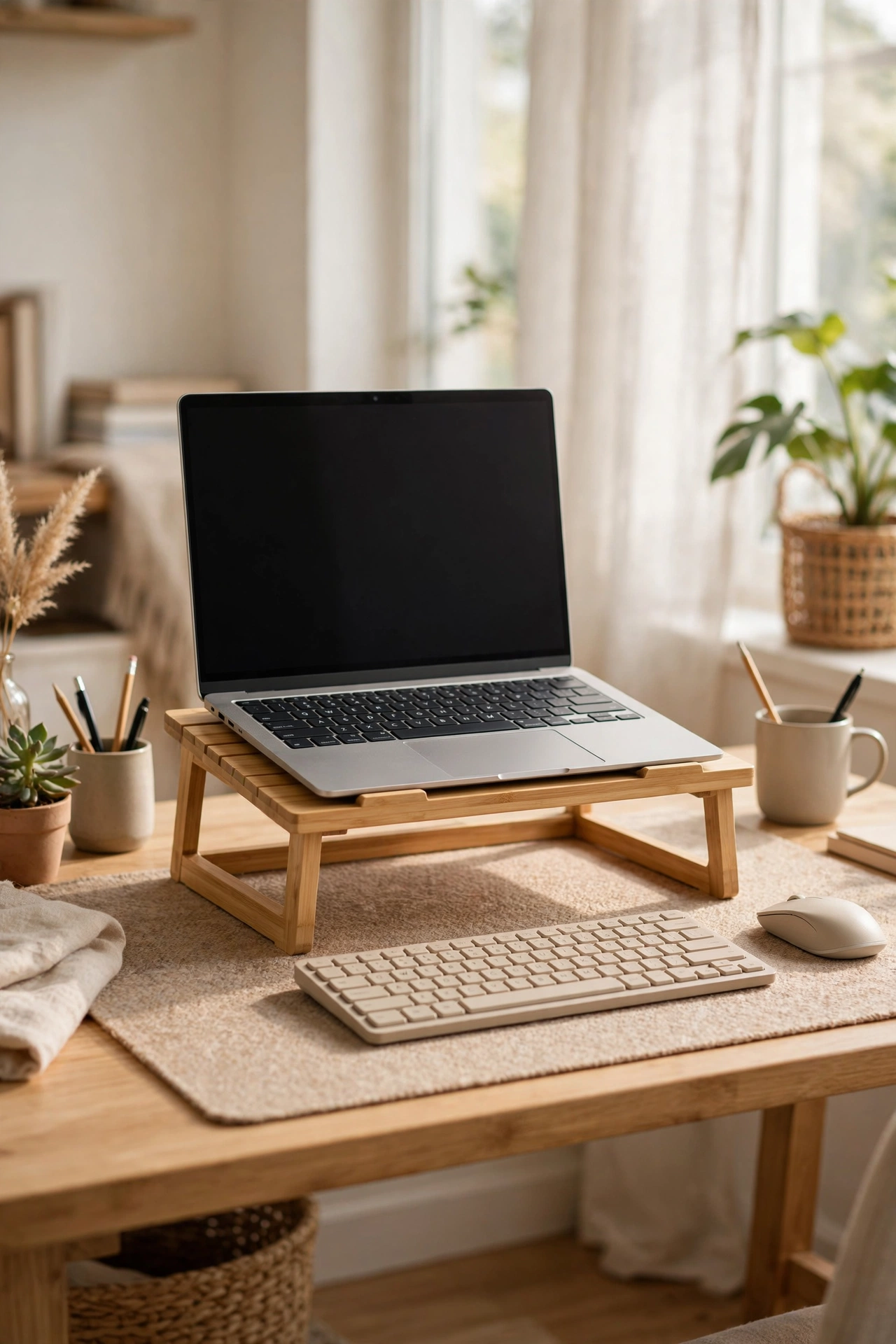
Propping the laptop on a bamboo riser lifts the screen to eye level and saves your neck over an eight-hour day. This is the find I would rescue from a fire. Slide it under your laptop and the screen sits about fifteen centimetres higher; add a separate keyboard and mouse in front — both under five dollars at the dollar store — and your posture changes for the better. Ventilation matters too: the open bamboo design lets heat escape, which my old flat-stacked laptop could not manage. I tried working with the laptop flat on the desk for months and my shoulders paid for it every evening. One mistake to avoid: typing on the laptop’s own keyboard at riser height. Your wrists will hate you within a week.
Cost: ~$7 · Time: 5 minutes
10. Rolling Three-Drawer Cart
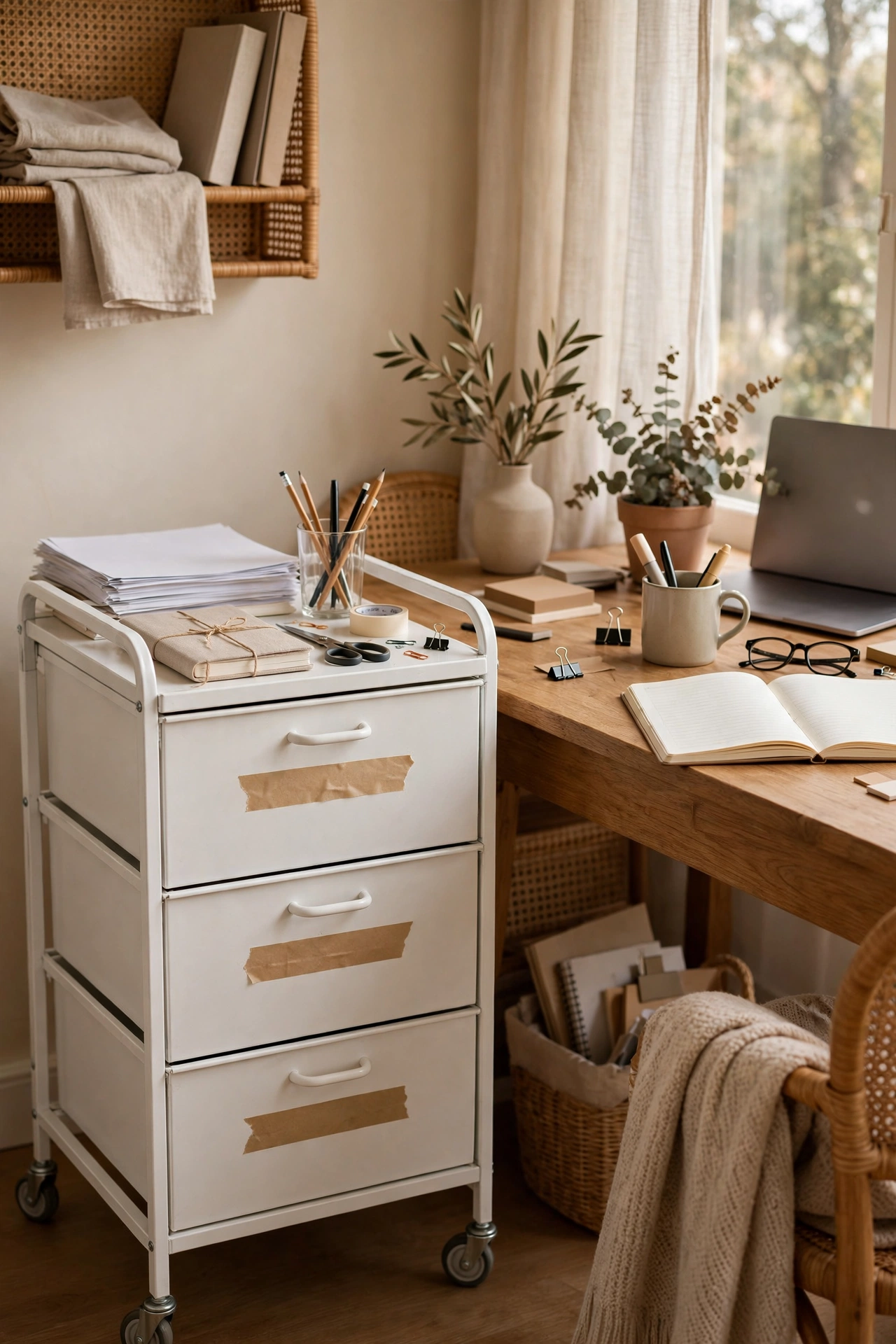
When the desk runs out of drawers, this little cart becomes your supply station. Mine parks beside the desk holding printer paper in the bottom drawer, notebooks and envelopes in the middle, and the odds and ends — tape, stamps, spare batteries — up top. Assembly takes about fifteen minutes and needs no tools beyond the included key. Label each drawer with a strip of tape so you stop opening all three to find a pen. The wheels are the real win: I roll it into the hallway cupboard when the workday ends and the room stops looking like an office. One mistake to avoid: overloading the top drawer with heavy items. It makes the cart top-heavy and wobbly on carpet.
Cost: ~$10 · Time: 20 minutes
11. Wall-Mounted Floating Shelves
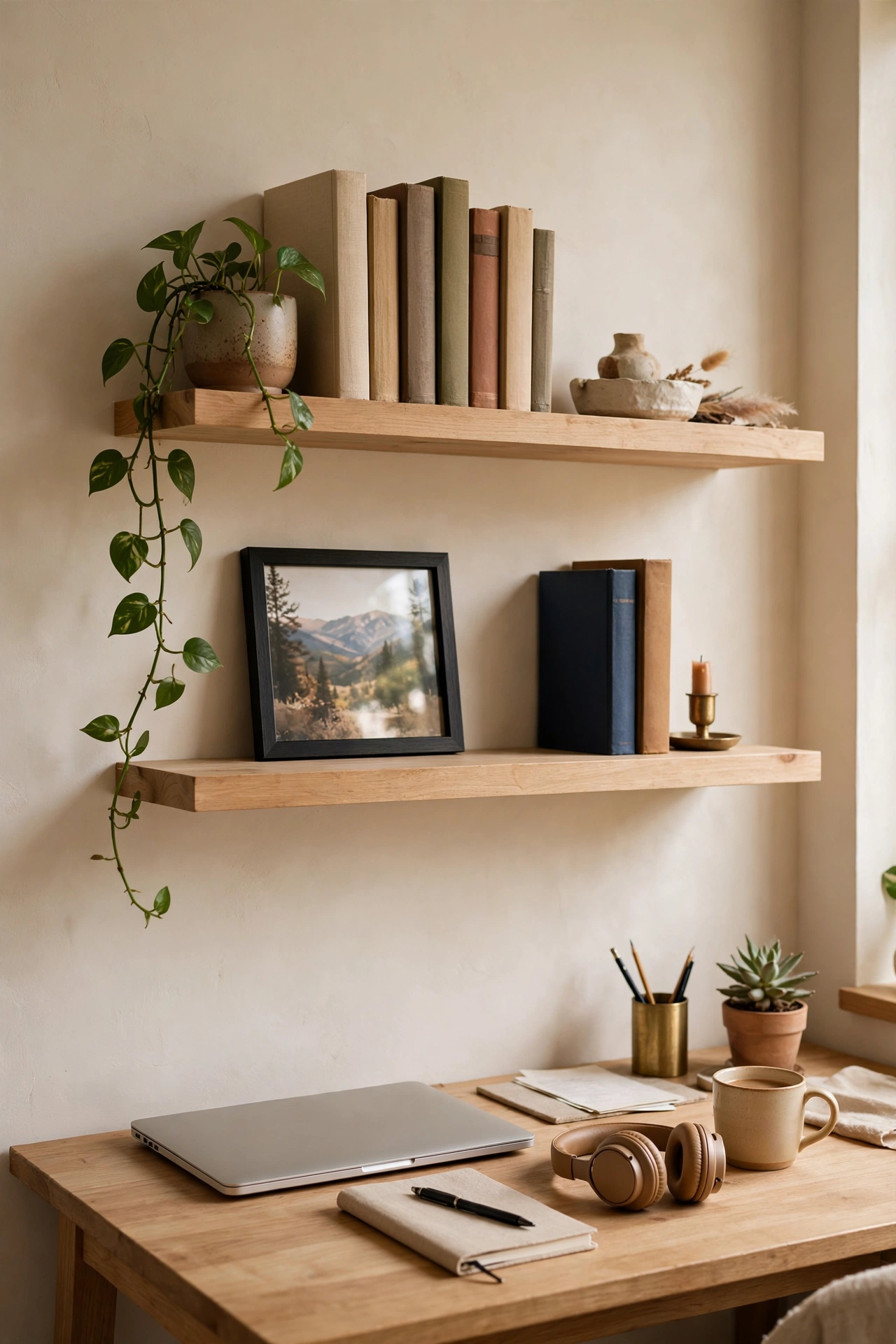
Two floating shelves above the desk turn dead wall space into storage for books, a plant, and the framed photo that makes video-call backgrounds look intentional. Mark the wall with painter’s tape before you drill so you get the spacing right — I went for thirty centimetres apart, which fits most books. Use the included anchors if you are on plasterboard; find a stud if you own a drill and want to hold real weight. Style them once: books upright on one side, a small plant and one frame on the other, nothing in the middle. I tried cramming them full and they looked like a jumble sale. One mistake to avoid: hanging them where your chair back hits them. Sit in your chair first, then mark the wall.
Cost: ~$6 for two · Time: 40 minutes
12. Wooden Memo Clip Board
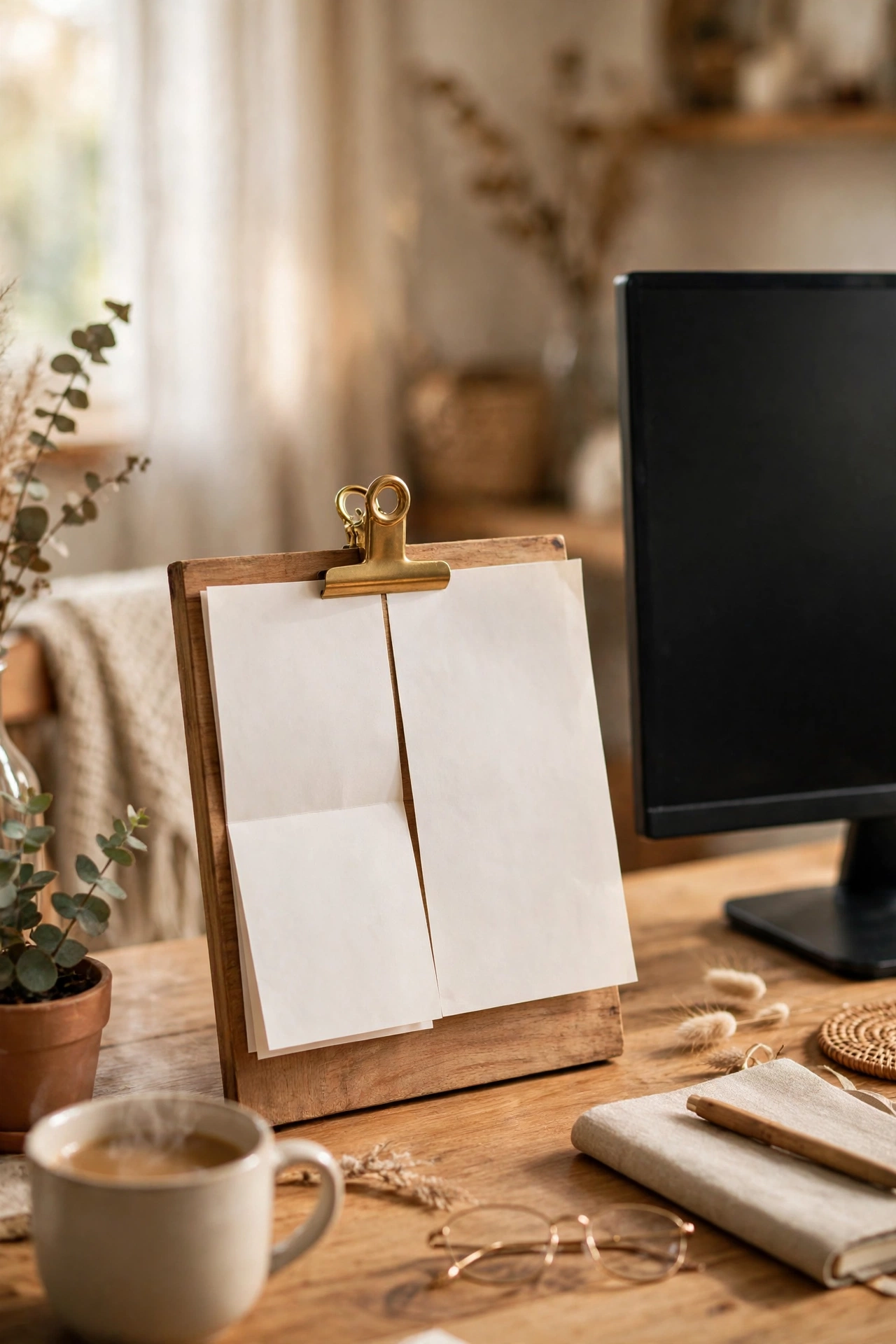
A small wooden board with a brass clip stands on my desk holding whatever I am currently working from — a delivery note, a printed invoice, the day’s packing list. It keeps the active paper upright and visible instead of sliding under the keyboard. Clip the current document on in the morning; stand the board to the side of your monitor where you can glance at it; swap the paper out at day’s end so yesterday’s list never haunts you. I tried laying papers flat and spent half my time hunting the right page. One mistake to avoid: clipping a thick stack. The clip grips one or two sheets best — more than that and pages slip out sideways.
Cost: ~$3 · Time: 5 minutes
13. Stone-Look Bookends Pair
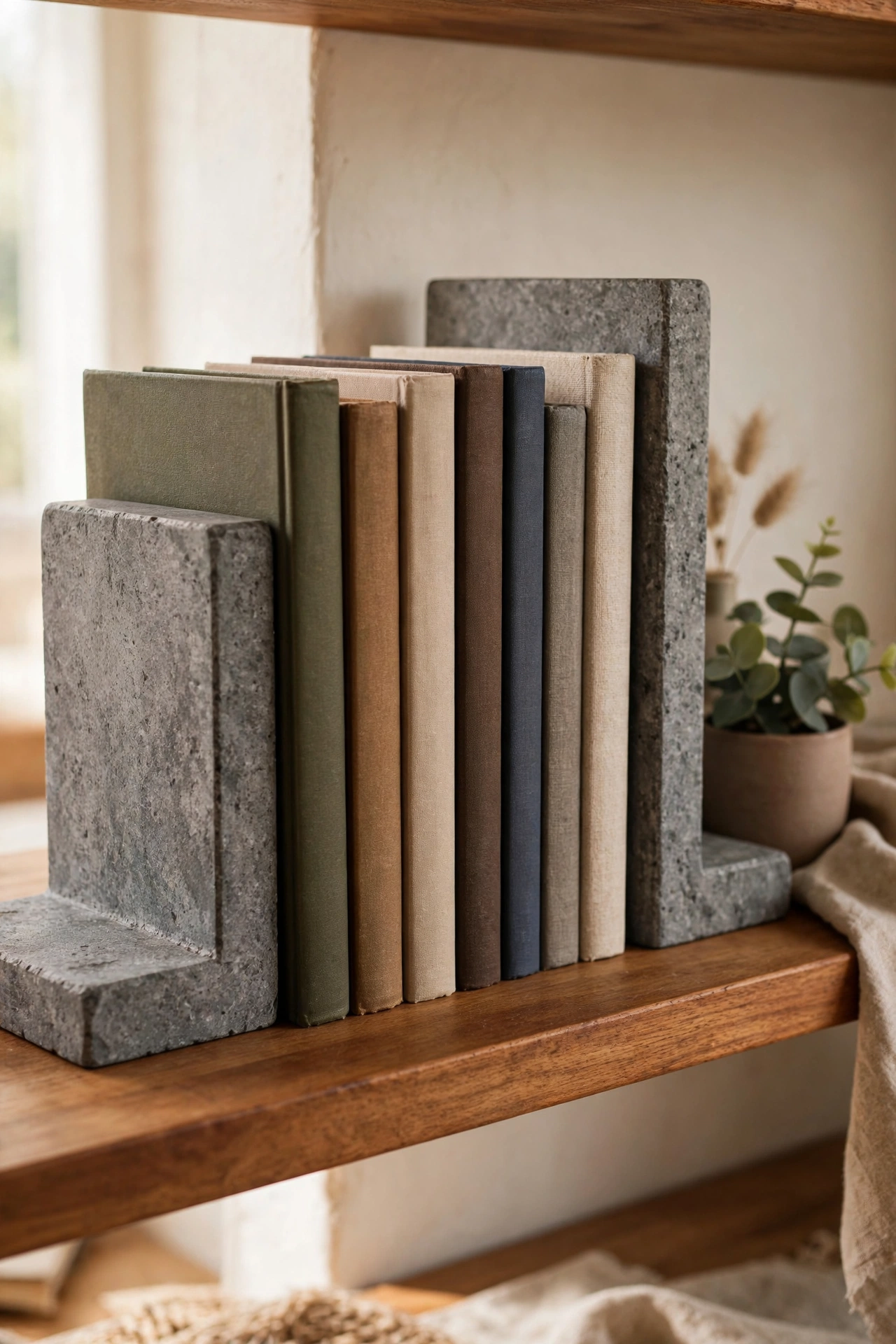
A pair of heavy stone-look bookends keeps my reference books upright on the shelf and adds a surprisingly premium look for the price. The weight is the whole point — they are solid enough to hold a row of paperbacks without creeping. Place them at the ends of your book row on the floating shelves; keep the row slightly tight so books lean on each other rather than the ends; and dust the tops when you dust the shelves. I tried cheap L-shaped metal bookends first and my books flattened them within a month. One mistake to avoid: putting them on an overloaded shelf where they can be knocked. A falling bookend chips the shelf edge on the way down.
Cost: ~$5 for two · Time: 5 minutes
14. Leather-Look Desk Mat
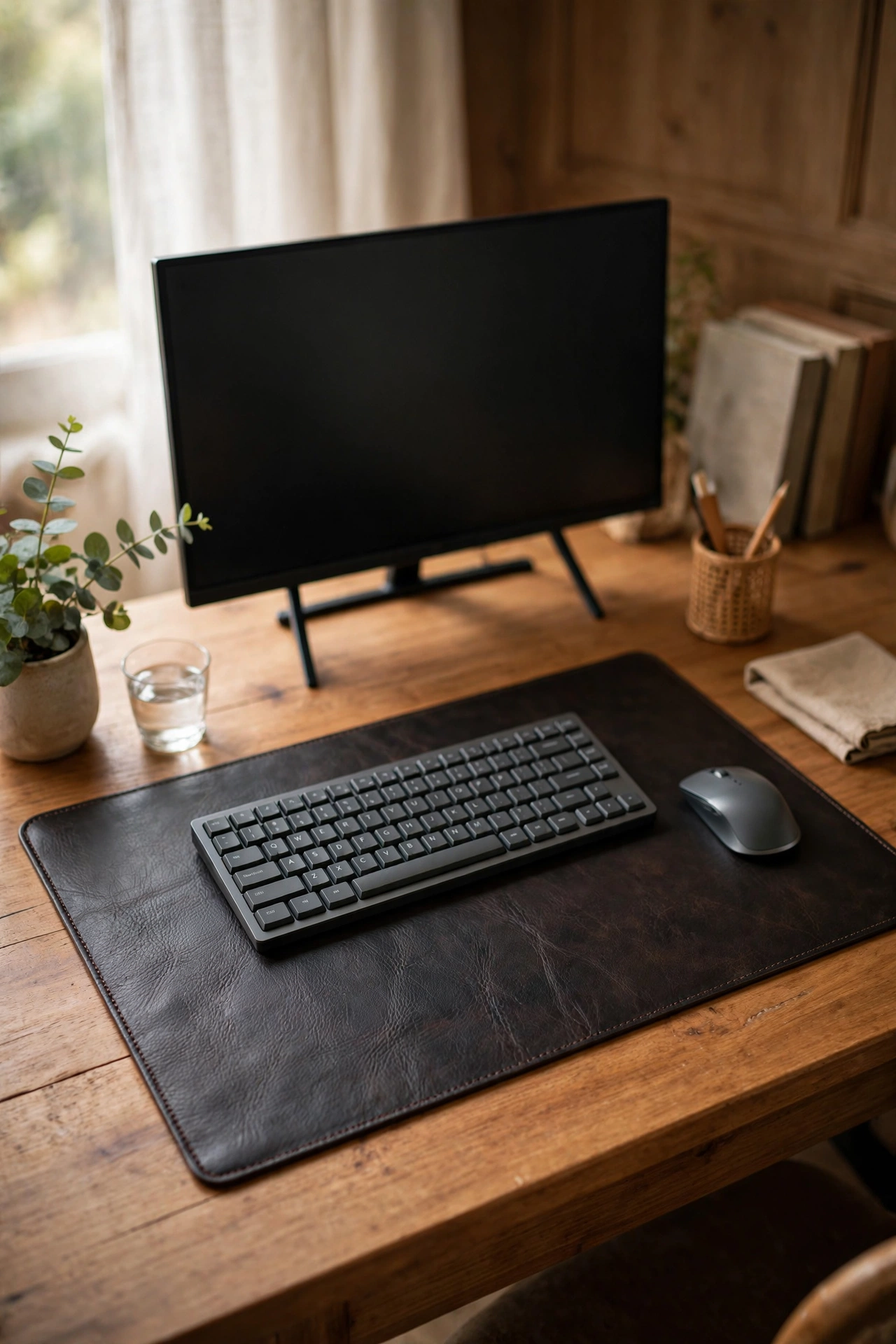
A leather-look desk mat is the cheapest way to make any desk look intentional. It defines your work zone, gives the mouse a smooth glide, and protects the surface from coffee rings. Lay it centred under your monitor and keyboard, leaving equal desk on both sides for a balanced look; wipe it with a damp cloth weekly because dust shows on the dark finish; and let it flatten for a day if it arrives rolled — mine needed a stack of books overnight. I tried using the bare desk for a year and the wear marks told the story of every deadline. One mistake to avoid: the shiny patent finish versions. They show every fingerprint and glare under the lamp from idea five.
Cost: ~$6 · Time: 5 minutes
15. Sand Hourglass Timer

A thirty-minute sand timer on the corner of my desk is my low-tech focus tool — flip it, work until the sand runs out, then take a proper break. No app, no notifications, nothing to fiddle with. I use it for focused writing sprints: set the laptop to full screen, flip the timer, and the falling sand keeps me off my phone better than any willpower app. Place it where you can see it without turning your head; pair the sprints with a glass of water so the breaks feel like resets. I tried phone timers and kept “checking” the phone every ten minutes. One mistake to avoid: shaking it to hurry the sand. It clogs the neck and ruins the flow rate.
Cost: ~$3 · Time: 2 minutes
16. Sticky-Note Dispenser
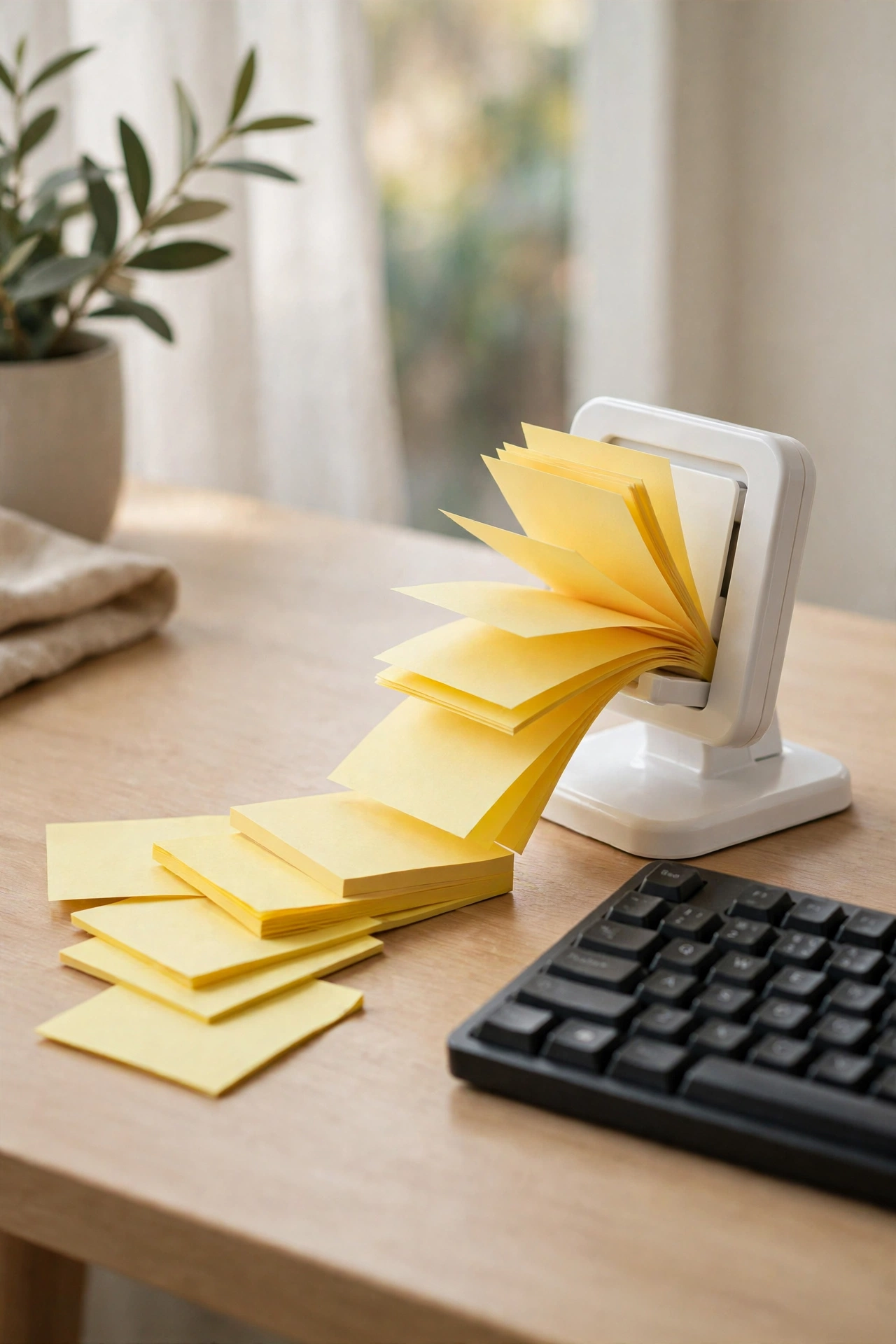
A weighted pop-up sticky-note dispenser keeps notes one-handed and within reach, which is how they actually get used. Mine sits to the right of the keyboard, loaded and ready. The weight matters: a loose pad slides around the desk, while the dispenser stays put when you grab one. Keep it stocked — a half-empty dispenser trains you to stop reaching for it. I use mine for the tiny reminders that do not deserve a board: call-back numbers, parcel tracking codes, the neighbour’s parcel. I tried a loose pad first and it spent more time stuck to my sleeve than the desk. One mistake to avoid: refilling with off-size pads. They jam the dispenser slot and pop up crooked.
Cost: ~$3 · Time: 5 minutes
17. USB Mug Warmer

A USB mug warmer plugs into your laptop or hub and keeps your coffee warm through long meetings — mine holds a drinkable temperature for about an hour. Set it on the desk beside the mat, plug it into a spare USB port, and rest a flat-bottomed mug on top. It draws little power but it does draw some, so do not run it off a tiny unpowered hub with three other devices. I tried a thermos first and kept forgetting to pour; the warmer lets me drink at my own pace through a two-hour call block. One mistake to avoid: tall, narrow mugs. A wide, heavy-based mug warms evenly; a tall one stays lukewarm on top and hot at the base.
Cost: ~$8 · Time: 5 minutes
Found a favourite in this list? Save this idea for later — screenshot the finds you want and take the list with you on your next dollar store run.
FAQ
Are dollar store home office finds actually durable enough for daily use?
It depends on the category. Storage pieces — trays, cups, carts, shelves — last for years because they take gentle use. I am harder on the electronics: I test every lamp and warmer for a week before it earns a permanent spot, and I would not trust a dollar-store power strip without checking its rating. Buy the storage blind, test the electrics, and replace anything that feels flimsy within the returns window.
How much does it cost to furnish a small home office from the dollar store?
All seventeen finds in this list come to roughly ninety dollars at my local store’s prices, but most people need eight to ten of them — a realistic starter setup lands around forty to fifty dollars. Start with the desk mat, the organizer tray, and the lamp; those three change the feel of the desk the most. Add the rest as your routine tells you what is missing.
Which dollar store home office finds should I buy first?
The desk mat, the bamboo organizer tray, and the LED lamp — in that order. The mat defines the workspace, the tray ends the clutter migration, and the lamp fixes evening eyestrain. After those three, buy for the problem you actually have: cables everywhere means the cable box; papers everywhere means the letter trays.
Do I need special tools to mount the shelves and cork board?
Both come with basic wall anchors and screws in the pack, which are fine for plasterboard and light loads. For heavier books on the floating shelves, I used a stud finder and slightly longer screws from my toolbox — five minutes of extra effort for much more confidence. A small spirit level helps more than anything else; crooked shelves are noticeable forever.
Seventeen finds, roughly ninety dollars if you bought them all, and a desk that finally feels like a proper office instead of a temporary camp. My home office came together find by find over a month, and each cheap piece earned its place by surviving real workdays. Start with the mat, tray, and lamp — and enjoy the smug feeling when guests ask where it is all from.
More budget home wins: (see also: 21-dollar-store-home-office-finds-on-a-budget) (see also: 21-high-end-dupes-from-the-dollar-store-worth-grabbing) (see also: 23-dollar-store-living-room-finds-worth-grabbing)
